What Vylos Can Do
Explore what Vylos can do, then open the linked task guide when you are ready to configure a feature.
Manage WireGuard Tunnels
Create, import, inspect, connect, edit, and delete user-owned WireGuard tunnels. Vylos keeps organization-installed tunnels in a separate read-only section so ownership is always clear.
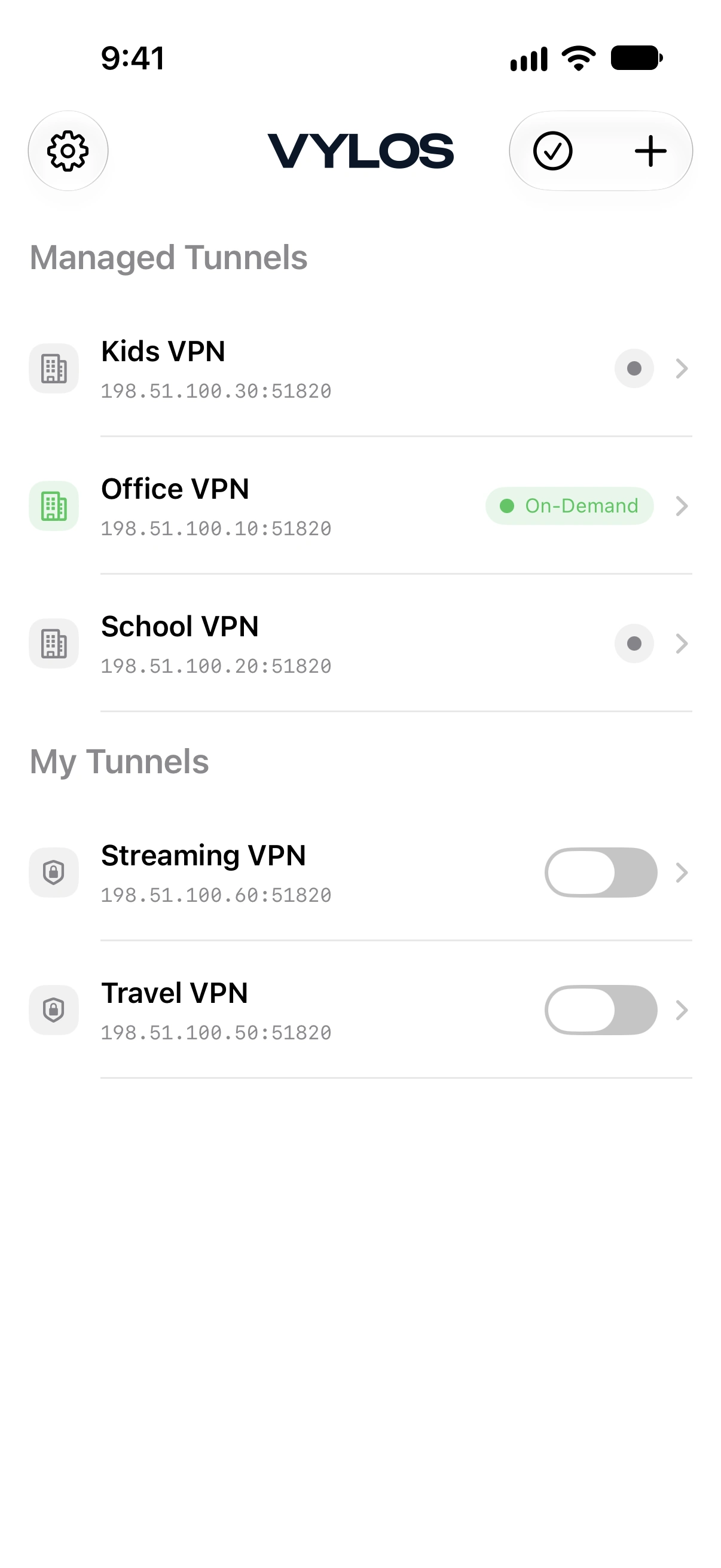
- Start with Manage Tunnels for status labels, connection controls, details, editing, and deletion.
- Use Import and Export Tunnels for
.conf,.vylos,.zip, QR-code, and archive workflows. - Use Preview Files with Quick Look to inspect supported files before importing them.
Automate Connectivity and DNS
On-Demand can arm a tunnel for selected Wi-Fi networks or supported network types. Split DNS sends selected domain lookups through the tunnel while other lookups continue through the default network.
- Follow Set Up On-Demand to choose network conditions and resolve overlapping rules.
- Follow Set Up Split DNS to add match and search domains.
Monitor and Recover Connections
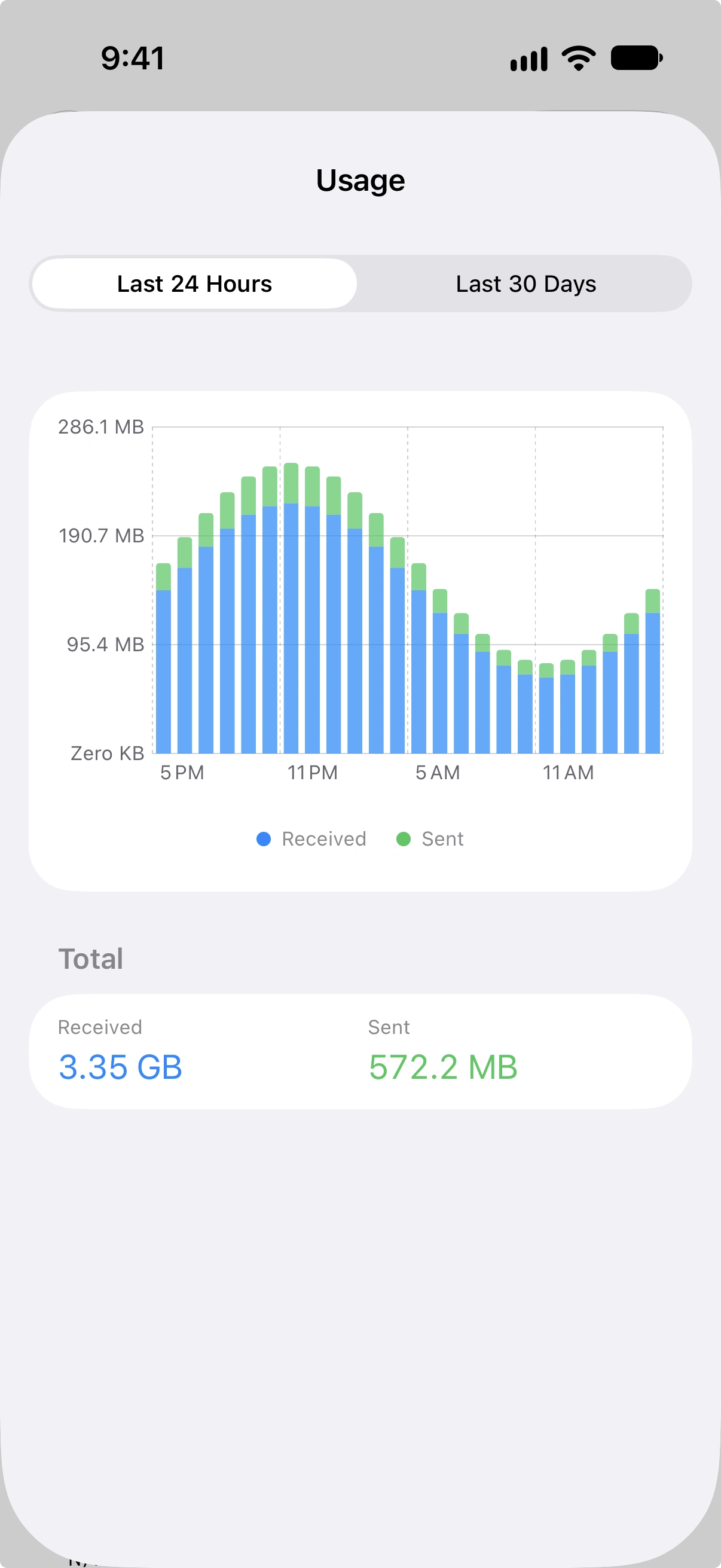
View live handshake and transfer counters on every supported platform. Historical 24-hour and 30-day bandwidth charts are available on iOS 16 or later, macOS 13 or later, and visionOS.
- Follow Set Up Notifications for disconnect reasons, recovery alerts, and the Reconnect action.
- Open Monitor and Troubleshoot for app logs, WireGuard logs, bandwidth history, and version details.
Protect and Automate Vylos
App Lock protects the interface with system authentication or an authenticator-app code. Keychain-backed storage protects tunnel credentials, while Siri Shortcuts, Spotlight, and iOS Home Screen actions provide controlled ways to reach tunnel actions quickly.
- Follow Protect Vylos with App Lock to choose and configure a protection method.
- Follow Automate Vylos to use Shortcuts, Siri, Spotlight, and Home Screen actions.
Deploy Managed Devices
Organizations can deliver app policy through Managed App Configuration and install read-only VPN tunnels through Apple configuration profiles. Vylos also supports Apple's AppLayerVPN packet-tunnel flow for MDM-assigned applications.
- Start with the Deployment Overview to choose the correct Apple management channel.
- Review Feature Compatibility before relying on a platform-specific capability.
Fit Vylos to Each Device
Vylos supports 19 languages and follows the per-app language selected in Apple Settings. iOS and macOS offer System, Light, and Dark appearance choices, while Apple Vision Pro uses native adaptive glass.
Use Customize Vylos for appearance, language, and iOS icon themes, or open the Platform Guides for device-specific controls.