Vylos Documentation
Find the shortest path from installing Vylos to completing the task you have in mind.
Vylos is a WireGuard VPN client for iPhone, iPad, Mac, and Apple Vision Pro. It manages connections to WireGuard servers you or your organization operate; it does not sell a VPN service.
Choose Your Path
| I want to… | Start here |
|---|---|
| Add my first tunnel | Getting Started |
| Connect, edit, or remove an existing tunnel | Manage Tunnels |
| Move configurations between devices | Import and Export Tunnels |
| Connect automatically on selected networks | Set Up On-Demand |
| Route selected DNS lookups through a tunnel | Set Up Split DNS |
| Check which features work on a particular OS | Feature Compatibility |
| Deploy Vylos for an organization | Deployment Overview |
| Diagnose a connection or find an answer | Monitor and Troubleshoot or FAQ |
Learn About Vylos
- What Vylos Can Do explains the major capabilities and points to the guide for each one.
- Feature Compatibility compares availability across iPhone, iPad, Mac, and Apple Vision Pro.
- Terminology defines WireGuard, Apple platform, and device-management terms used throughout the documentation.
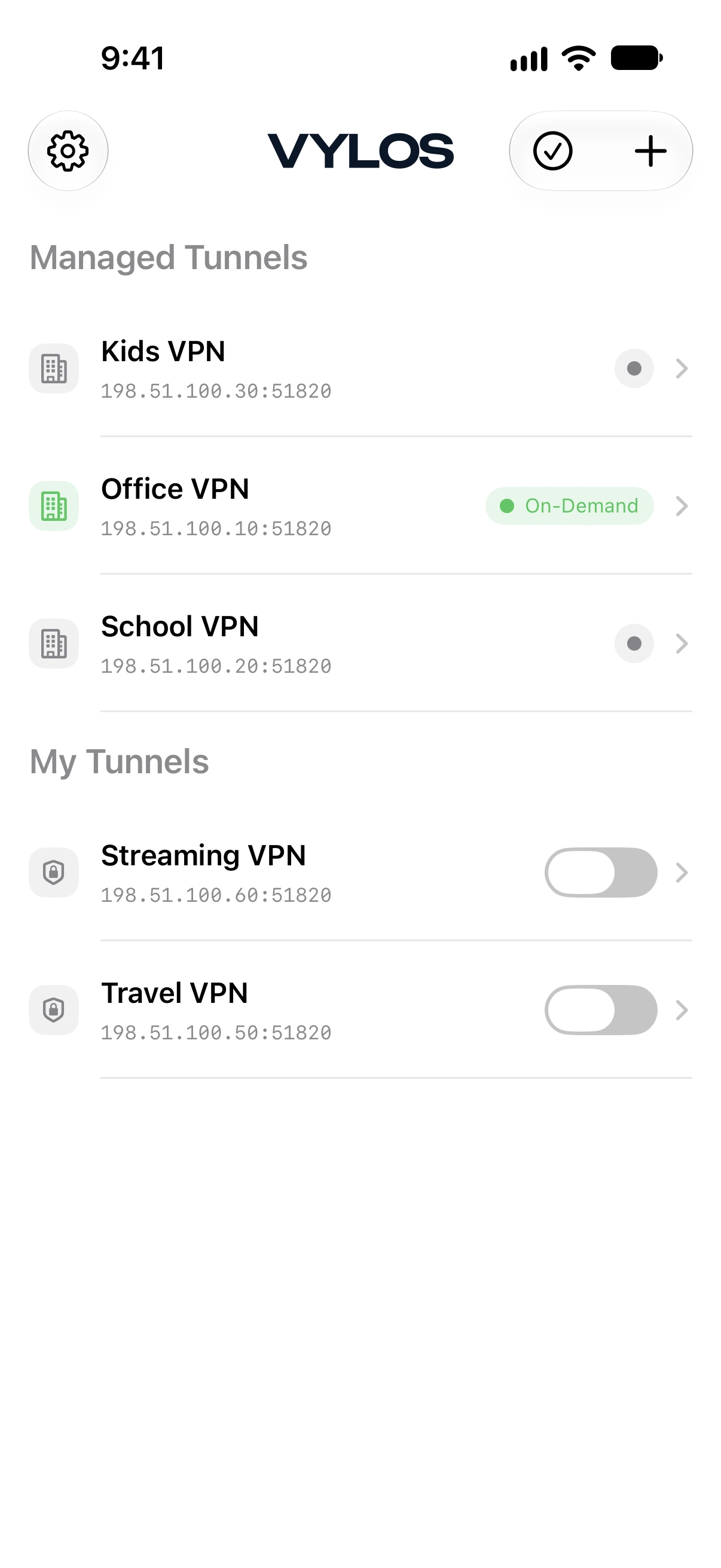
See Vylos at a Glance
User Guide
Follow the User Guide for everyday tasks such as importing files, previewing configurations, receiving notifications, using App Lock, building Shortcuts, and changing appearance or language.
Follow a Platform Guide
- iPhone and iPad covers QR scanning, cellular On-Demand, alternate icons, Home Screen actions, and iOS Settings integration.
- macOS covers the menu bar, keyboard shortcuts, windows, file drag and drop, and Start at Login.
- Apple Vision Pro covers ornaments, spatial windows, adaptive glass, and platform-specific limitations.
Deploy Vylos
Start with the Deployment Overview when you need MDM, directly installed .mobileconfig profiles, read-only managed tunnels, managed app settings, per-app routing, or jailbreak enforcement.